
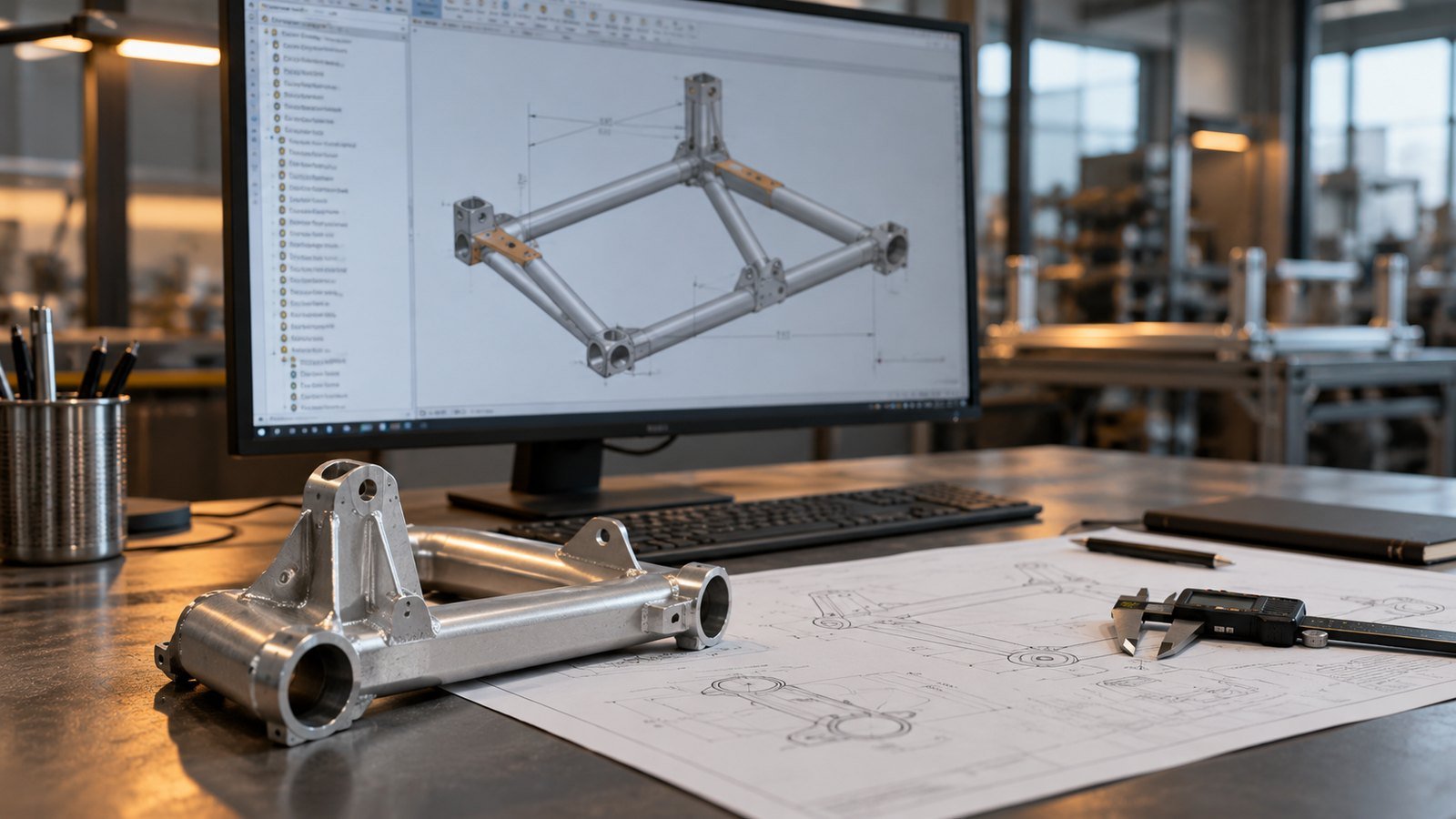
A fast, firm quotation starts with the right files. When an enquiry arrives with a 3D model but no drawing, or a DXF with no material and no quantity, the supplier has to ask – and every question adds a day. Here is what to send for sheet metal and welded parts, and the mistakes that most often send a file back.
The ideal pair: STEP plus a dimensioned PDF
For almost every bent, machined or welded part the best package is a STEP file (AP214 or AP242) plus a dimensioned 2D PDF. The STEP carries the geometry unambiguously: we unfold it for laser cutting, derive the bend sequence for press-brake bending and check tool access for CNC milling. The PDF carries what geometry cannot say – material grade, tolerances, finish, weld symbols, revision. A PDF alone means somebody must rebuild the model before a price exists, which for a welded assembly takes hours.
Which format does what
| Format | Use it for | Watch out for |
|---|---|---|
| STEP | 3D solids, bent parts, weldments, assemblies | Export as solid, not surfaces |
| DXF | Flat patterns for sheet and tube laser cutting | 1:1 in mm, closed contours, no splines |
| DWG | Native AutoCAD drawings | Version dependent; always add a PDF |
| IGES | Legacy CAD, surface models | Surfaces arrive with gaps |
| Dimensions, tolerances, weld symbols | Vector PDF, not a scan |
DXF: the flat pattern, and how it goes wrong
A DXF is a flat blank – no thickness, no bend data, no material. For a bent part it is only useful alongside the 3D model, because the unfold depends on thickness, tool radius and the k-factor our press brake produces.
- Splines instead of arcs – hundreds of spline segments slow the cutting head, leave faceted radii and can double cycle time.
- Duplicate lines – the laser cuts the same contour twice, burning the edge and sometimes dropping the part into the slats.
- Open contours – gaps of a few hundredths look fine on screen, but nesting software rejects the profile.
- Dimensions and title blocks in the same file – they end up in the nest as cutting geometry. Clean geometry, own layer.
- True-type text – outline fonts only; text must be geometry to be cut or marked.
DWG, IGES and native files
DWG is a container, and what survives depends on the release that wrote it. Older versions drop multileaders and some dimension styles; and external references and fonts on your workstation do not travel with the file – so a DWG can open with blank dimension text at our end. Always attach a PDF of the same sheet. IGES, still common in older toolrooms and in reverse engineering work, usually arrives as surfaces with gaps we must stitch into a solid. Native formats are the least safe choice: a version mismatch means the file does not open at all. Neutral formats are safer precisely because nobody owns them.
What must be on the drawing, not in the model
This list decides whether a quotation is a price or a guess.
- Material and grade – not “aluminium” but EN AW-5754 for bent sheet or EN AW-6082 T6 for structural parts; 1.4301 or 1.4404 for stainless.
- Thickness – nominal sheet or wall thickness, and any tolerance class.
- General and critical tolerances – a class such as ISO 2768-m plus the three or four dimensions that matter. Blanket tight tolerances raise price without improving the part.
- Bend radii and direction – inside radius expected, and whether up or down matters relative to a marked face.
- Finish and coating – RAL number, gloss level, class of powder coating; Qualicoat Seaside for coastal use.
- Weld symbols and visible seams – to ISO 2553, with quality level and a note on cosmetic seams. For robotic welding it also shows where the robot must reach.
- Threads and holes – M6 tapped, clinch nut or press-in stud; near or far side; countersink angle.
- Quantity and batch size – unit price can differ threefold between a prototype and series production.
- Revision number and date – on the drawing and in the filename.
Units, naming, revisions and large assemblies
DXF stores numbers, not units. A file drawn in inches and read as millimetres produces a part 25.4 times too small, and the error only shows when proportions look odd. Export 1:1 in millimetres. Name files so they cannot be confused six weeks later – 12345-bracket-revC.step, not “final” or “latest” – and when a revision changes, resend the whole set and note what changed.
- Assemblies – one STEP of the whole assembly plus one per part, so we can price each item and still see fit-up.
- A bill of materials – part number, quantity, material, thickness, finish, with bought-in items marked.
- One ZIP via a download link – better than twelve e-mails; keep the folder structure flat.
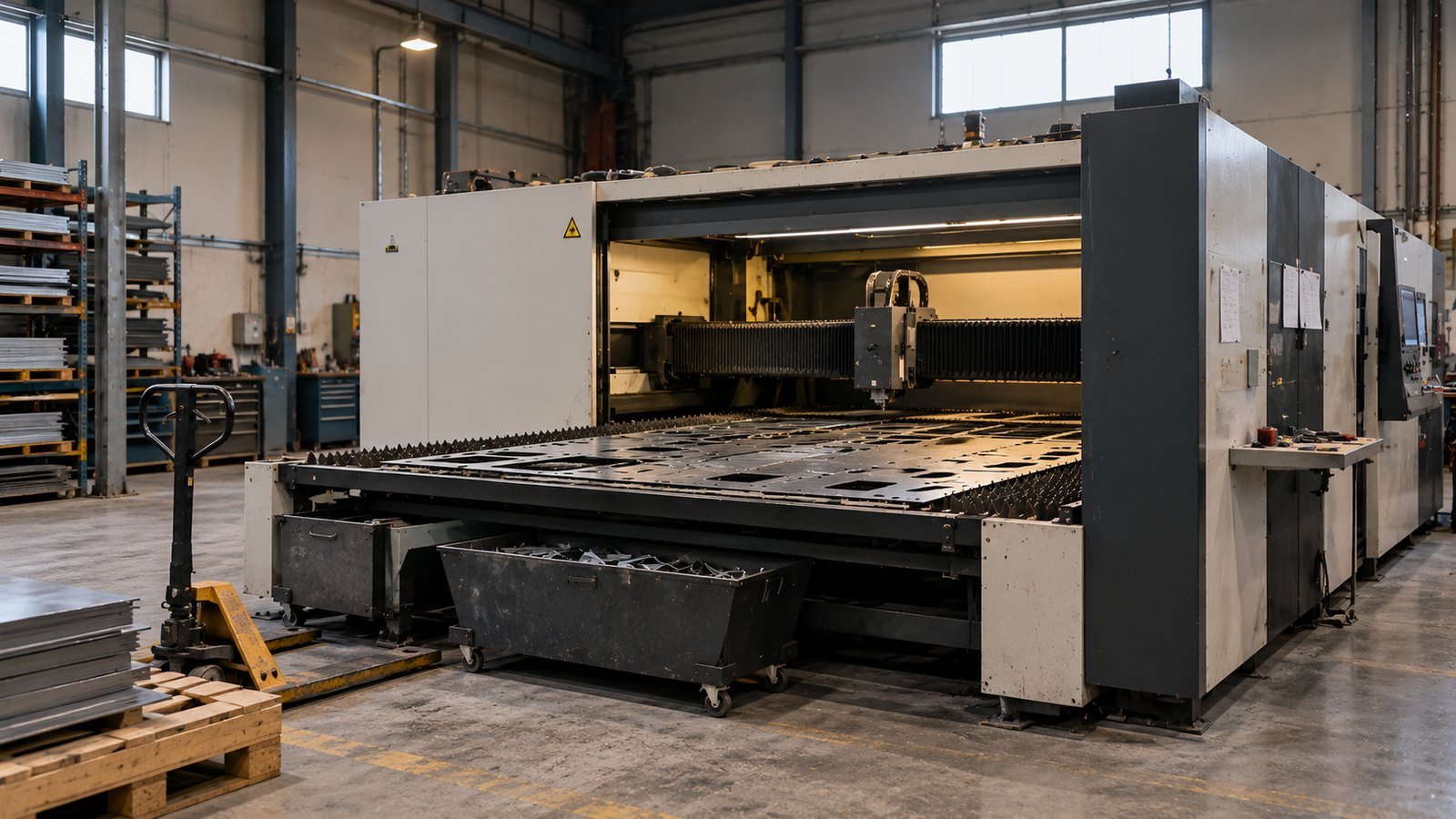
What a missing flat pattern really costs
A clean package can usually be priced within one to two working days. A PDF-only enquiry for a welded frame means modelling first, which adds two to four days – across a thirty-item tender that decides whether you meet your own deadline. If your drawings are incomplete, say so: we would rather spend an hour on design support than quote the wrong part. Send what you have via our quotation page.
FAQ
Which single format should I send if I can only send one?
STEP. It is unambiguous and covers flat, bent and welded parts – but without a drawing we will still have to ask about material and tolerances.
Do you need a flat pattern DXF if I send a STEP?
No. We unfold the STEP using the real bend allowances of our own tooling, which is more accurate than an unfold made with assumed values.
Can you quote from a PDF drawing only?
Yes, but it takes longer and carries more contingency, because the geometry has to be modelled before it can be nested and programmed.
What if I have no CAD data, only a sample part?
Send photographs and key dimensions. We measure the sample and produce drawings as part of our reverse engineering service.
Related: Laser cutting · Sheet metal fabrication · Request a quote